
OPIE / THE OPSUI AI OPERATOR
One order.
Connected work.
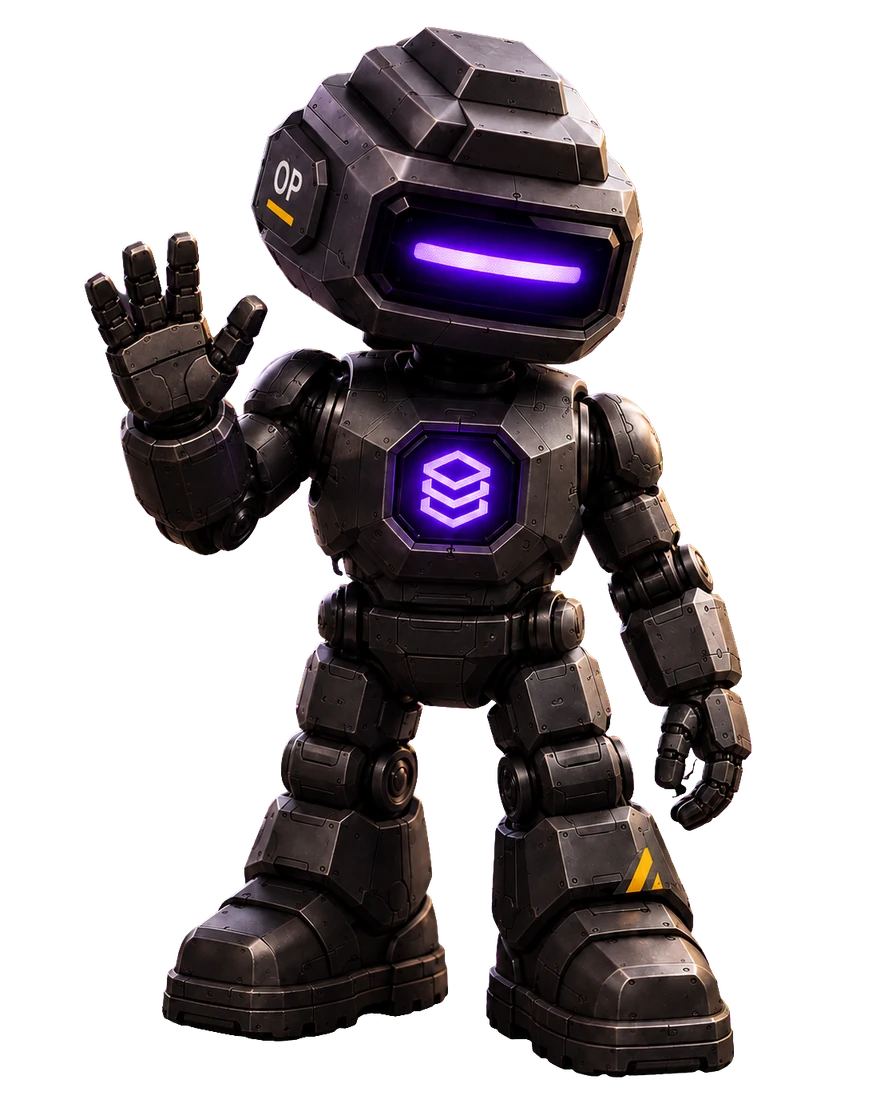
I’m Opie, the AI operator inside OpsUI. Follow one order from customer request to dispatch, and see how I bring context and action together.
2 / See
See the order. Know what’s needed.
The customer, the request and the available stock tell one story. I bring those signals together before the next task begins.
The customer record identifies the request. Inventory confirms where the stock is. That shared context gives the warehouse a clear starting point.
- Required
- 12 units
- Available
- 12 units
- Location
- Bin A-04
3 / Connect
Keep the context. Across every handoff.
Customer information stays with the order as it moves into stock and warehouse work. Each team starts with the same context.
O-1048 carries its customer reference into the order, its requirements into inventory, and its next task onto the warehouse floor.
- Customer
- Linked
- Stock
- Located
- Next step
- Prepare the pick
4 / Act
One request. Connected actions.
Tell me the outcome. I can work across OpsUI’s ERP functions to connect the order, stock and warehouse steps needed to prepare the pick.
“Prepare O-1048 for picking.” The example finds the order, checks twelve units in A-04, then prepares the next warehouse task. It does not change live data.
- Request
- Prepare the pick
- Source
- Bin A-04
- Quantity
- 12 units
5 / Track
Follow the work. Through to dispatch.
Picking is only one handoff. Keep the order in view as twelve units become two cartons, ready at dispatch dock 03.
The same order reference connects picking, packing and dispatch, so the next team can see what has happened and what comes next.
- Picked
- 12 / 12
- Packed
- 2 cartons
- Dispatch
- Dock 03
6 / Control
See what matters. Move the work forward.
Shared context, connected steps and a clear outcome. You set the direction; I help coordinate the work. Bring your own workflow to the OpsUI team.
Opie brings visibility and action together across CRM, orders, inventory and warehouse workflows. Explore how that could work with your team and the modules you need.
- Customer
- Context retained
- Warehouse
- Pick prepared
- Dispatch
- Ready to send
About Opie’s world.
What is Opie?
Opie is the AI operator built into OpsUI. He can access ERP functions to help carry out actions and automate repetitive work across CRM, orders, inventory and warehouse workflows.
What does this journey show?
It follows example order O-1048 from a customer request to dispatch. Each stage shows how shared context supports the next action. The journey does not access or change live customer data.
Can I use the journey without animation?
Yes. Read the story to explore every stage without WebGL or animation. In the 3D world, you can pause motion and navigate with the chapter buttons, arrow keys or next-step button.
What can the Opie chat on this website do?
The website chat helps you explore OpsUI’s modules, pricing, integrations and rollout information. It is separate from the in-product ERP actions illustrated in this journey.