
Ecommerce Warehouse Management
Ecommerce Warehouse Management, from workflow to modules.
Coordinate receiving, picking and returns behind your Australian online stores.
A working starting point
Follow the work.
- 01Receive
- 02Allocate
- 03Pick and dispatch
- 04Process returns
Overselling across channels
When stock lives in three spreadsheets and five storefronts, the same unit gets sold twice and someone has to cancel an order. OpsUI holds one inventory position across Shopify, Amazon.com.au, eBay AU, Catch and The Iconic so available-to-sell counts stay honest as orders land.
Shipping that does not match how you actually post
AU sellers juggle Australia Post, Sendle, Aramex, CouriersPlease and more, often through an aggregator like Shippit. OpsUI's Shipping & Outbound module wires carrier selection, label printing and tracking into the pick-pack flow so the right parcel goes out the right way without manual re-keying.
GST and orders that do not reconcile
Orders captured in OpsUI need to land cleanly against your ledger with GST intact, not as a month-end reconciliation headache. Synced orders flow to Xero, MYOB or NetSuite through the Finance & Accounting module so invoicing and GST stay accurate while operations keep moving.
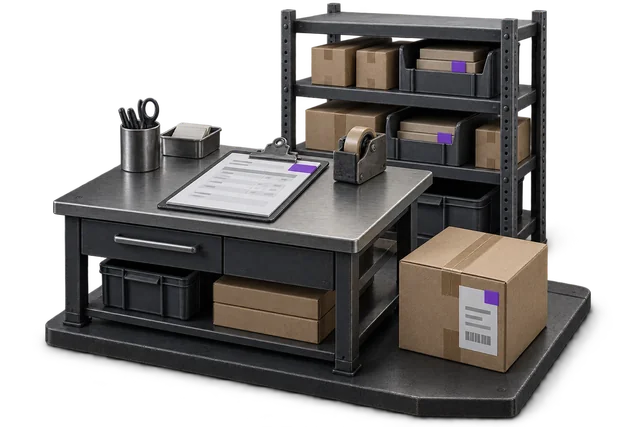

Inspect the product interface alongside the workflow. Confirm your own records and operating requirements during a review.
Modules and responsibilities
What each module contributes.
Keep the parts you need. These recommendations do not create a separate package or change the catalogue price.
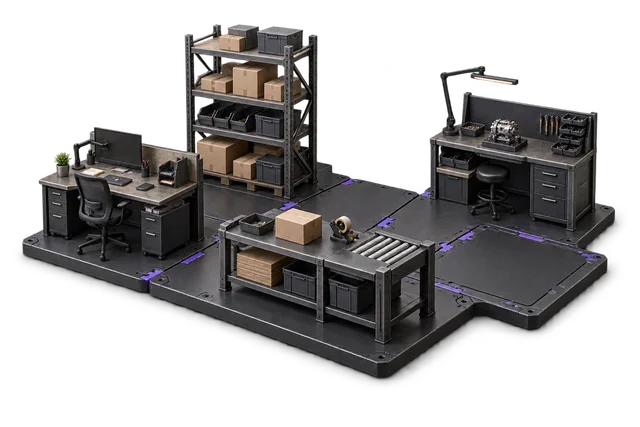
| Module | Job it performs | Delivery status | Monthly price |
|---|---|---|---|
| Order Management | Capture orders and track progress. | Catalogue module | A$399 |
| Inventory Management | Track stock across bins and sites. | Catalogue module | A$399 |
| Shipping & outbound | Pack, label and dispatch orders. | Catalogue module | A$299 |
| Receiving & inbound | Check deliveries and put stock away. | Catalogue module | A$299 |
| Returns management | Inspect returns and manage restocking. | Built on rollout | A$349 |
| Dashboards & Reporting | See live performance and build reports. | Catalogue module | A$399 |
A$2,144 / month module subtotal
Sum of the suggested module licences. User allowances, additional seats, connectors and rollout requirements must be considered separately. Existing starter-pack pricing may suit a different combination.
Check packages and configure pricingThis bundle covers the full ecommerce fulfilment loop, from channel orders and inventory through inbound receiving, outbound shipping and returns, with reporting over the top.
Before you decide
Requirements to confirm.
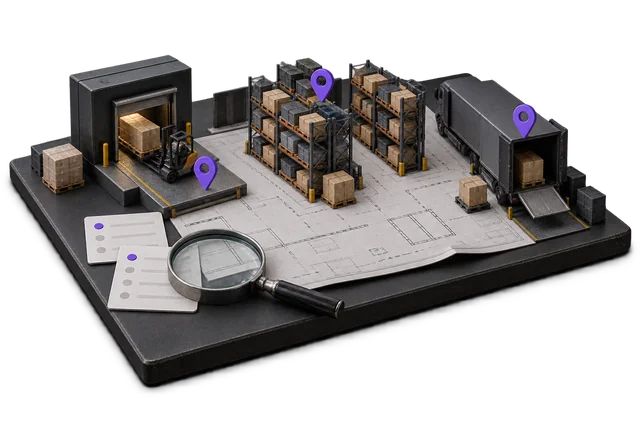
- Storefront and Australian carrier connections need account-specific scoping. Agree the stock, order and fulfilment flows before rollout.
Questions about this workflow.
Will OpsUI stop me overselling across Shopify, Amazon and the marketplaces?
Yes. OpsUI keeps a single inventory position in the Inventory Management module and feeds available-to-sell counts back to your channels, so an item sold on Amazon.com.au is reflected against your Shopify and eBay AU listings rather than being sold again.
Which Australian carriers can I ship with?
Straight answer on status: NZ Couriers is the one carrier with a live API today. Every Australian carrier, including Australia Post, StarTrack, Sendle, Toll, DHL, Aramex (ex-Fastway), CouriersPlease and the Shippit aggregator, is wired during rollout through the Shipping & Outbound module as a direct API, aggregator or file-based connection, with the method confirmed against your account during scoping.
Do I have to move off Xero or MYOB to use OpsUI?
No. The whole point is to keep your finance system and add OpsUI as the operations layer. Today the NetSuite sync runs both ways in production; your Xero or MYOB connection is set up during rollout through the Finance & Accounting module, so orders and GST flow to your ledger without a migration.
Does this work whether I self-fulfil or use a 3PL?
Both. If you run your own warehouse, OpsUI manages receiving, putaway, picking, packing and dispatch directly. If you outsource to a 3PL, OpsUI stays your single source of truth for orders, inventory and returns across channels so you keep visibility even when someone else holds the stock.
Keep exploring.
Related operating models.
Your next step
Make this specific to your operation.
Walk through your current process, confirm the fit and scope the modules around the work you need to run.