
Warehouse Management (WMS)
Connect your Australian warehouse, from receipt to dispatch.
Warehouse management software for Australian operations: receiving, stock locations, picking and dispatch, with AUD pricing and scoped accounting and carrier connections.
Scope an Australian warehouse rollout.
The test is whether the stock record, floor workflow and carrier handoff agree. Use one real order and one exception to evaluate the entire process, rather than treating the software demonstration as a feature checklist.
- Test the dispatch handoff
- List the Australia Post, StarTrack or other carrier services in your current dispatch mix, including your own account and pickup arrangements. Check labels, consignment references and tracking updates against that mix. Confirm the connection scope before rollout.
- Keep accounting ownership clear
- Decide whether Xero, MYOB, NetSuite or another system remains the financial ledger. Trace a receipt, stock adjustment, fulfilled order and return through the proposed connection. Record which system creates each entry and who handles a rejected or repeated transfer.
- Rehearse the actual cutover
- For each Australian warehouse, agree the stock-count window, open-order import, user training and first dispatch cutoff. Record unresolved differences and who can approve them. Scope the rollout and migration separately from the AUD subscription.
A working starting point
Follow the work.
- 01Receive
- 02Put away
- 03Pick
- 04Dispatch
Inventory software is not a WMS
Stock counts in an accounting add-on tell you what you have, not where it is, or the fastest path to pick it. A WMS owns bins, pick paths, and the work happening on the floor.
Full WMS suites are overkill on day one
Traditional WMS licences make you buy slotting, waves and labour management before your first pick. Most floors need receiving, inventory and dispatch first, and the rest when volume demands it.
Paper and tribal knowledge run the floor
Pick lists on paper, putaway by memory, stocktakes that close the warehouse for a weekend. Every process that lives in someone's head breaks the day they're away.
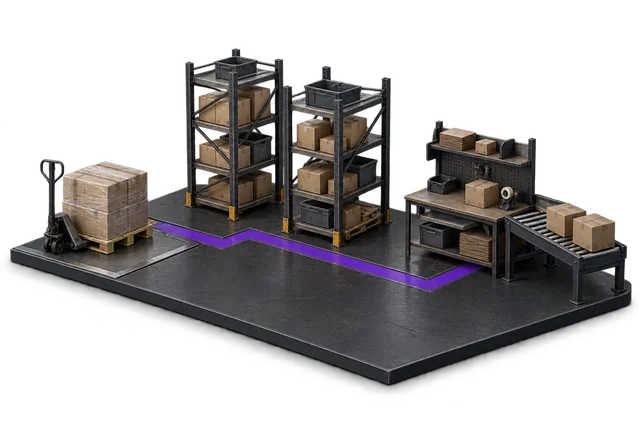

Inspect the product interface alongside the workflow. Confirm your own records and operating requirements during a review.
Modules and responsibilities
What each module contributes.
Keep the parts you need. These recommendations do not create a separate package or change the catalogue price.
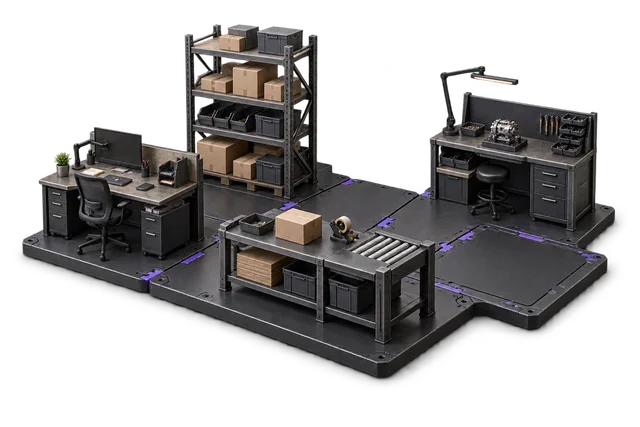
| Module | Job it performs | Delivery status | Monthly price |
|---|---|---|---|
| Receiving & inbound | Check deliveries and put stock away. | Catalogue module | A$299 |
| Inventory Management | Track stock across bins and sites. | Catalogue module | A$399 |
| Shipping & outbound | Pack, label and dispatch orders. | Catalogue module | A$299 |
| Wave Picking | Group orders into efficient pick runs. | Catalogue module | A$349 |
| Zone Picking | Coordinate picking across warehouse zones. | Catalogue module | A$349 |
| Cycle Counting | Count stock and resolve differences. | Catalogue module | A$299 |
| Slotting optimisation | Place stock where picking works best. | Catalogue module | A$449 |
| Exceptions Management | Find and resolve operational issues. | Built on rollout | A$299 |
A$2,742 / month module subtotal
Sum of the suggested module licences. User allowances, additional seats, connectors and rollout requirements must be considered separately. Existing starter-pack pricing may suit a different combination.
Check packages and configure pricingMost warehouses go live with the receiving / inventory / dispatch trio, add cycle counting in the first month, and layer wave or zone picking once order volume justifies it. Slotting comes last. It needs your velocity data to be useful.
Before you decide
Requirements to confirm.
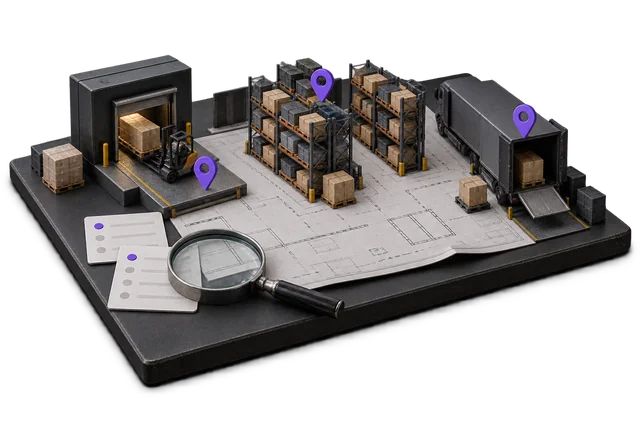
- Warehouse modules are selected separately. Confirm the required devices, integrations and exception workflows during scoping.
Questions about this workflow.
Do I need a full WMS, or is inventory software enough?
Honest answer: if one person can still walk the floor and know where everything is, inventory software is probably enough. You need a WMS when mispicks, stocktake downtime, or new-starter training time start costing real money, usually somewhere past a few hundred orders a week or a few thousand bin locations. OpsUI lets you start with inventory and dispatch, then add WMS modules when the floor demands them.
Does OpsUI work with barcode scanners?
Yes. Picking, putaway, and cycle counts run on Bluetooth scanners that pair with the phones and tablets you already have. See the Hardware page for the validated scanner stack we ship with.
Can the WMS run alongside our existing ERP or accounting system?
Yes. NetSuite sync is live and bidirectional: orders, inventory movements and fulfilment events flow both ways in real time. Xero, MYOB, Abel and SAP Business One connectors are wired against your tenant during rollout. Your ledger stays where it is; OpsUI runs the floor.
How long does a WMS rollout take?
It depends on your data, integrations, and team availability. We don't quote a fixed number on the website because we'd be inventing it. Rollouts are staged: receiving and inventory first, then dispatch, then picking strategies, one module set at a time, scoped honestly in the demo.
Keep exploring.
Related operating models.
Your next step
Make this specific to your operation.
Walk through your current process, confirm the fit and scope the modules around the work you need to run.