
B2B Wholesale Ordering
B2B Wholesale Ordering, from workflow to modules.
Bring repeat trade orders and fulfilment into a consistent order-to-dispatch process.
A working starting point
Follow the work.
- 01Capture repeat orders
- 02Review terms
- 03Allocate
- 04Dispatch
Reps writing orders on paper and email
Field sales captures orders on order pads, spreadsheets and emails, then someone re-keys them into the accounts package. Stock is out of date by the time the order lands, prices are wrong, and the lag costs you sales and credibility.
No self-service for trade customers
Buyers want to place repeat orders at 7pm without phoning a rep, but they need to see their own negotiated pricing, their account balance and what is actually in stock. Without a proper portal those orders go to whichever supplier makes it easiest.
Pricing and credit live in too many places
Price lists, volume breaks, contract pricing and credit limits are scattered across spreadsheets and your ledger. Quoting the wrong price or shipping past a credit limit happens because the ordering system and the finance system never agreed.
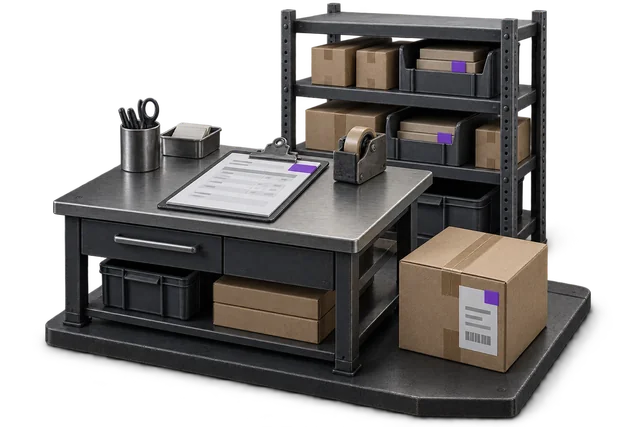

Inspect the product interface alongside the workflow. Confirm your own records and operating requirements during a review.
Modules and responsibilities
What each module contributes.
Keep the parts you need. These recommendations do not create a separate package or change the catalogue price.
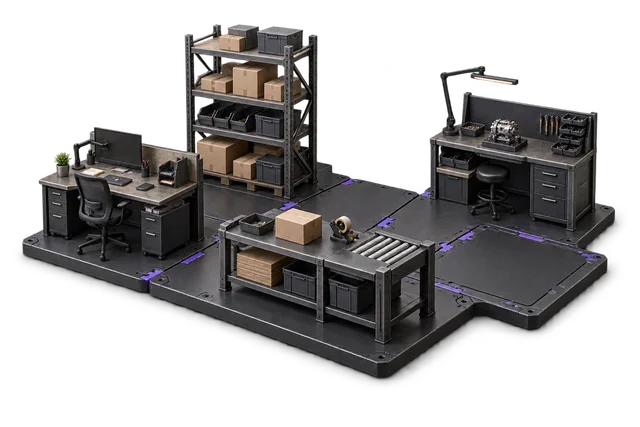
| Module | Job it performs | Delivery status | Monthly price |
|---|---|---|---|
| Order Management | Capture orders and track progress. | Catalogue module | A$399 |
| Inventory Management | Track stock across bins and sites. | Catalogue module | A$399 |
| Shipping & outbound | Pack, label and dispatch orders. | Catalogue module | A$299 |
| Dashboards & Reporting | See live performance and build reports. | Catalogue module | A$399 |
A$1,496 / month module subtotal
Sum of the suggested module licences. User allowances, additional seats, connectors and rollout requirements must be considered separately. Existing starter-pack pricing may suit a different combination.
Check packages and configure pricingOrder Management drives both the rep app and the customer portal and holds customer-specific pricing and account context on the built-in customer record, Inventory shows real availability, Shipping/Outbound gets it picked and dispatched, and Dashboards give sales managers a live read on the order book.
Before you decide
Requirements to confirm.
- Customer portals, EDI formats and account-specific trading rules must be agreed during scoping.
Questions about this workflow.
Can OpsUI handle customer-specific pricing and on-account ordering?
Yes. Each trade customer sees their own negotiated price lists, volume breaks and account terms in both the rep app and the self-service portal. On-account orders respect credit limits, and the rules for who sees what price are managed centrally rather than in scattered spreadsheets.
Does it sync with Xero or MYOB?
Yes. You keep your finance system and add OpsUI as the operations layer. The NetSuite connection runs bidirectionally in production now; the Xero and MYOB connections are stood up during your rollout through the Finance & Accounting module, so customers, invoices and payments stay in step without re-keying.
Will my field reps be able to use it offline or on the road?
The rep app is built for field sales workflows: browse a customer's pricing, check live stock, write the order and submit it from the customer's site. Orders flow straight into Order Management and the warehouse, so nothing waits to be re-typed back at the office.
How does an order get from the portal to dispatch?
An order placed in the portal or rep app lands in Order Management against live inventory, then drops into the Shipping/Outbound workflow for picking and dispatch. NZ Couriers is the one live carrier API; AU carriers such as Australia Post, StarTrack, Sendle, Toll, Aramex, CouriersPlease and the Shippit aggregator run through the Outbound workflow, confirmed during scoping.
Keep exploring.
Related operating models.
Your next step
Make this specific to your operation.
Walk through your current process, confirm the fit and scope the modules around the work you need to run.