
Mining & Resources MRO Inventory
Mining & Resources MRO Inventory, from workflow to modules.
Connect spare-parts inventory, purchasing and maintenance work across sites.
A working starting point
Follow the work.
- 01Identify parts
- 02Replenish
- 03Allocate to work
- 04Review usage
A missing part stops the dig
When a critical spare is not on the shelf, plant sits idle and extraction stops while a courier or charter flies the part in. Reorder automation and minimum-stock rules on every site store mean the part is on the shelf before the machine needs it.
Spares scattered across remote sites
Pits, camps, workshops and central stores each hold stock that nobody can see in one place, so buyers double-order in one location while another runs dry. OpsUI gives a single, real-time view of MRO inventory across every remote site.
Parts not tied to the assets they serve
When spares are not linked to the equipment they fit, planners cannot tell what a maintenance job will consume or whether the part is even in stock. Asset-linked parts connect inventory to the maintenance schedule so the right spares are reserved against the right jobs.
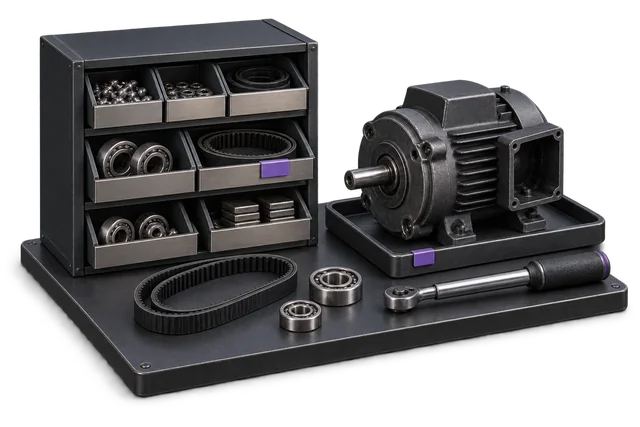

Inspect the product interface alongside the workflow. Confirm your own records and operating requirements during a review.
Modules and responsibilities
What each module contributes.
Keep the parts you need. These recommendations do not create a separate package or change the catalogue price.
| Module | Job it performs | Delivery status | Monthly price |
|---|---|---|---|
| Inventory Management | Track stock across bins and sites. | Catalogue module | A$399 |
| Procurement | Manage purchases and supplier records. | Built on rollout | A$499 |
| Maintenance Management | Schedule servicing and track repairs. | Built on rollout | A$399 |
| Receiving & inbound | Check deliveries and put stock away. | Catalogue module | A$299 |
| Dashboards & Reporting | See live performance and build reports. | Catalogue module | A$399 |
| Business Rules Engine | Automate routing, approvals and alerts. | Built on rollout | A$549 |
A$2,544 / month module subtotal
Sum of the suggested module licences. User allowances, additional seats, connectors and rollout requirements must be considered separately. Existing starter-pack pricing may suit a different combination.
Check packages and configure pricingThis bundle ties MRO stock to the assets it serves, automates reordering before a stockout, and gives a single inventory view across every remote site, all on top of your existing finance system.
Before you decide
Requirements to confirm.
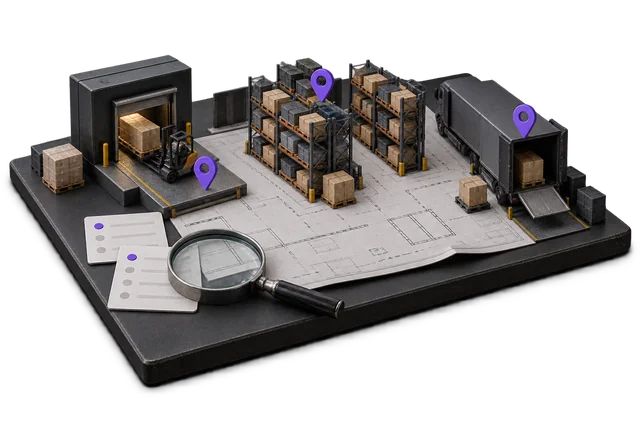
- Confirm asset hierarchies, remote-site connectivity and maintenance planning requirements. Specialist mining or offline capabilities are not implied by the bundle.
Questions about this workflow.
Do we have to replace our finance system to use OpsUI?
No. OpsUI is the operations layer you add alongside Xero, MYOB or NetSuite. The NetSuite link already syncs both ways in production; the Xero and MYOB links are wired during rollout through the Finance & Accounting module, so your ledger stays exactly where it is.
Can OpsUI handle inventory across multiple remote sites?
Yes. Inventory Management gives a single real-time view of spares and consumables across pits, camps, workshops and central stores, so every site sees the same stock position and buyers stop double-ordering or running dry.
How does OpsUI prevent stockouts of critical spares?
The Business Rules Engine and Procurement modules let you set minimum-stock levels and automatic reorder triggers per part and per site, so replenishment fires before the shelf empties rather than after a machine has already gone down.
Where is our data hosted?
Production data is hosted in Australia. This matters under the Privacy Act 1988 and its 2024 reforms, and it removes the US CLOUD Act exposure that comes with offshore-hosted systems holding your operational and supplier data.
Keep exploring.
Related operating models.
Your next step
Make this specific to your operation.
Walk through your current process, confirm the fit and scope the modules around the work you need to run.